

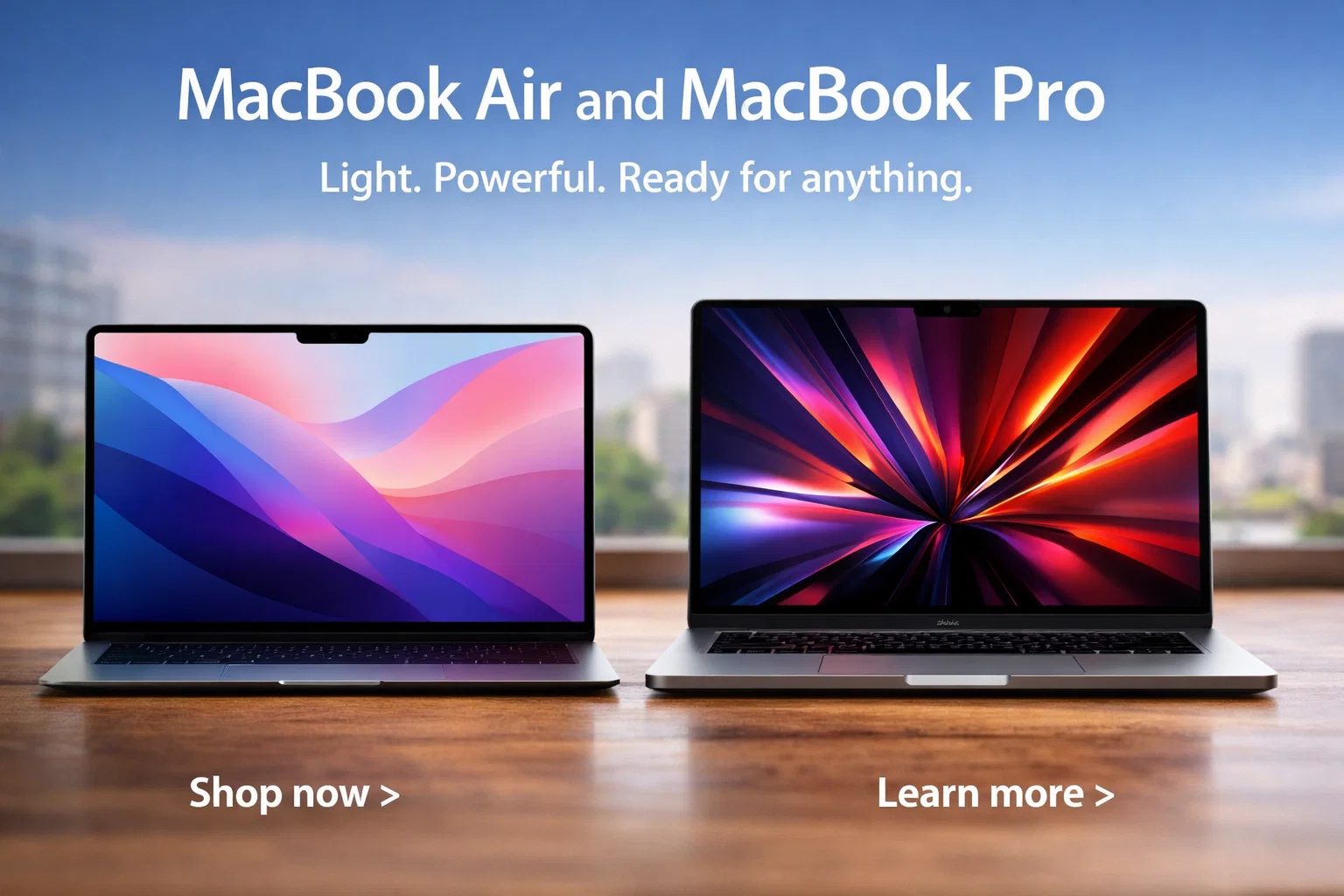
Apple laptops, also known as MacBooks, are known for their sleek design, performance, and reliability. Whether you are a student, professional, or creative, Apple laptops offer models that fit every need. In this article, we’ll explore different MacBook models, key features, pricing, pros, cons, and tips to choose the right laptop.
Why Choose an Apple Laptop?
- Apple laptops are famous for:
- Build Quality: Premium aluminum design.
- Performance: M1 and M2 chips give fast processing.
- Battery Life: Long-lasting battery compared to other laptops.
- macOS: Smooth and user-friendly operating system.
- Ecosystem: Works well with iPhone, iPad, and Apple Watch.
2. Popular Apple Laptop Models
| Model | Screen Size | Processor | Battery Life | Price Range |
|---|---|---|---|---|
| MacBook Air M2 | 13.6 inch | M2 | Up to 18 hrs | $1,199–$1,499 |
| MacBook Pro 13 | 13 inch | M2 | Up to 20 hrs | $1,299–$1,499 |
| MacBook Pro 14 | 14 inch | M2 Pro | Up to 17 hrs | $1,999–$2,499 |
| MacBook Pro 16 | 16 inch | M2 Max | Up to 21 hrs | $2,499–$3,499 |
Key Features to Consider
- Processor (M1, M2, M2 Pro/Max):
Newer processors deliver faster performance and better graphics.
RAM:
8GB is enough for basic tasks, 16GB+ for video editing or programming.
Storage:
SSD storage starts at 256GB; choose more if you store large files.
Display:
Retina display gives bright colors and sharp images.
Ports:
New MacBooks have Thunderbolt/USB-C; check if you need adapters.
4. MacBook Air vs MacBook Pro
| Feature | MacBook Air | MacBook Pro |
|---|---|---|
| Weight | Lighter, portable | Slightly heavier |
| Performance | Good for everyday use | Excellent for heavy tasks |
| Battery | Up to 18 hrs | Up to 21 hrs |
| Price | Affordable | Expensive |
Advantages of Apple Laptops
- Lightweight & Portable – Easy to carry anywhere.
- Durable – Aluminum build lasts longer than plastic laptops.
- Software Updates – Regular macOS updates improve security.
- Excellent Trackpad & Keyboard – Comfortable typing experience.
Disadvantages of Apple Laptops
- High Price – Expensive compared to Windows laptops.
- Limited Ports – May require adapters for USB-A, HDMI.
- Repair Costs – Apple repair is costly if out of warranty.
Tips to Buy the Right Apple Laptop
- Determine your purpose: Study, office work, video editing, or gaming.
- Check processor & RAM requirements based on software you use.
- Consider screen size and portability.
- Compare prices and storage options.
- Check if AppleCare warranty is worth it for long-term use.
Key Points Summary Table
| Point | Summary |
|---|---|
| Best For | Students, Professionals, Creatives |
| Performance | M1 & M2 chips for fast processing |
| Battery Life | 18–21 hours depending on model |
| Price Range | $1,199–$3,499 |
| Pros | Lightweight, durable, ecosystem-friendly |
| Cons | Expensive, limited ports, high repair cost |
Conclusion
Apple laptops are a reliable choice for anyone who wants performance, design, and longevity. MacBook Air is perfect for students and casual users, while MacBook Pro is ideal for professionals and creatives who need extra power. By considering your needs, budget, and features, you can select the best Apple laptop that fits your lifestyle.
more :- Apple Laptops
