

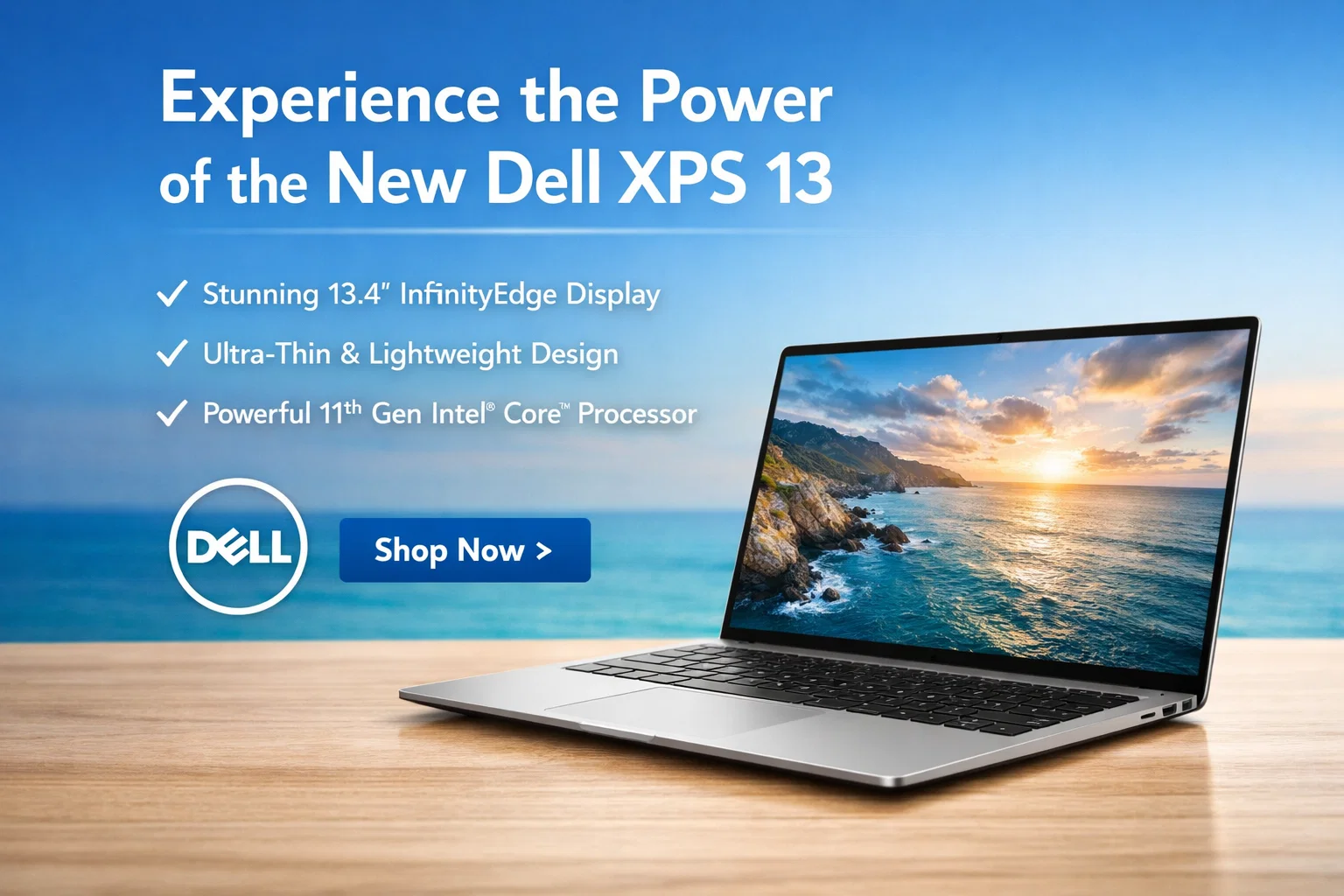
The Dell XPS 13 has earned a strong reputation in the laptop world for combining sleek design, powerful performance, and long battery life. It is one of the best ultrabooks available for students, professionals, and anyone who needs a compact yet capable laptop. In this article, we will explore the Dell XPS 13 in detail, highlighting its design, display, performance, battery life, and overall user experience.
Design and Build Quality
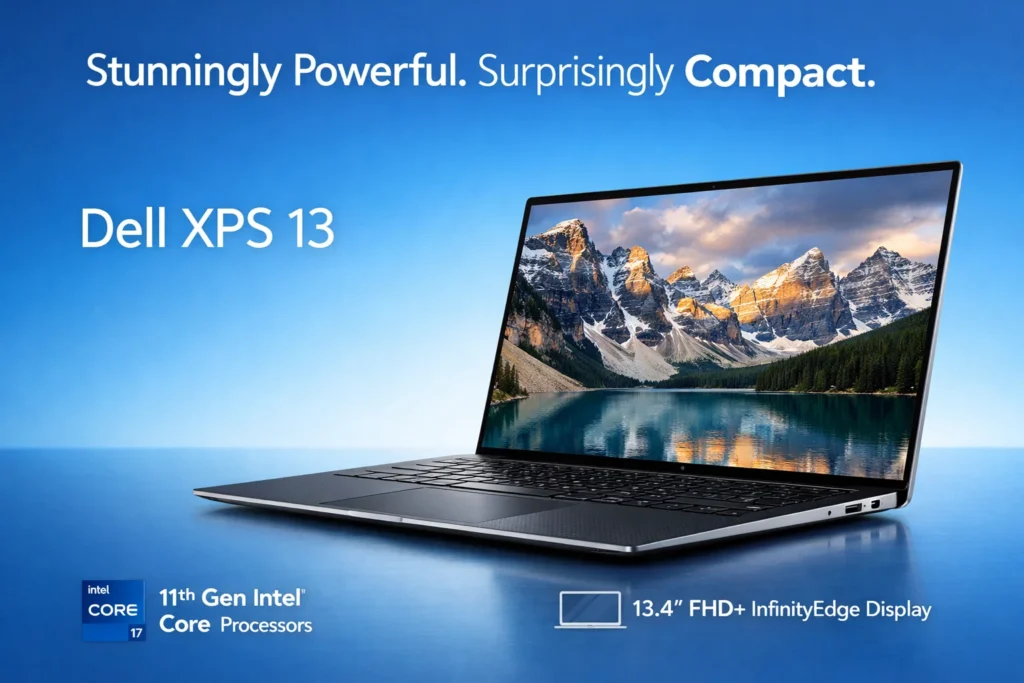
One of the first things users notice about the Dell XPS 13 is its premium build. The laptop features a metal chassis with aluminum finishing that gives it a modern and durable look. Despite its powerful hardware, the XPS 13 is extremely lightweight, making it perfect for travel or daily commuting.
The slim bezels around the screen, often referred to as InfinityEdge, make the laptop look almost borderless. This not only improves the viewing experience but also keeps the overall size compact without compromising screen space.
Key Design Highlights:
- Sleek and lightweight aluminum body
- Compact size for easy portability
- Narrow InfinityEdge display bezels
- Comfortable keyboard with responsive keys
- Precision touchpad for smooth navigation
Display Quality
The Dell XPS 13 offers a range of display options, including Full HD (1920×1080) and 4K UHD (3840×2160) panels. The displays are bright, sharp, and vibrant, making them ideal for watching movies, editing photos, or working on creative projects.
Dell also includes touch-screen options on certain models, enhancing usability for those who prefer direct screen interaction. The anti-reflective coating ensures the screen is usable even in bright environments.
| Feature | Description |
|---|---|
| Screen Size | 13.4 inches |
| Resolution Options | Full HD (1920×1080), 4K UHD (3840×2160) |
| Touch Screen | Available on selected models |
| Display Type | InfinityEdge, anti-reflective |
| Brightness | Up to 500 nits |
| Color Accuracy | 100% sRGB coverage |
Performance and Hardware
The Dell XPS 13 is powered by the latest Intel processors, ranging from i5 to i7, with integrated Iris Xe graphics. This combination provides smooth multitasking and solid performance for everyday tasks, such as web browsing, document editing, and streaming.
For more demanding tasks like photo editing or light video work, the XPS 13 can handle it without much lag. Its RAM options (8GB or 16GB) and SSD storage (up to 1TB) ensure that the laptop boots quickly and apps open instantly.
Hardware Specifications Table:
| Component | Specification |
|---|---|
| Processor | Intel Core i5 / i7 (11th or 12th Gen) |
| RAM | 8GB / 16GB LPDDR4x |
| Storage | 256GB – 1TB SSD |
| Graphics | Intel Iris Xe Graphics |
| Operating System | Windows 11 |
| Ports | 2x Thunderbolt 4, 1x USB-C, Headphone Jack |
Battery Life
One of the standout features of the Dell XPS 13 is its impressive battery life. Depending on usage and the display option, the laptop can last anywhere from 10 to 14 hours on a single charge. This makes it an excellent choice for students and professionals who need a laptop that can keep up throughout the day without frequent charging.
Keyboard and Trackpad
The XPS 13 comes with a backlit keyboard that is comfortable for typing long documents. The keys have a good travel distance and provide satisfying tactile feedback.
The precision touchpad is smooth and responsive, allowing easy navigation and gesture support for Windows 11 features. Both keyboard and touchpad contribute to an enjoyable user experience.
Connectivity and Ports
Although the XPS 13 prioritizes a slim design, it offers enough ports for most users. The laptop features Thunderbolt 4, USB-C, and a headphone jack. While some may miss traditional USB-A ports, Dell provides adapters for users who need them.
Connectivity Table:
| Port Type | Quantity / Notes |
|---|---|
| Thunderbolt 4 | 2 ports |
| USB-C | 1 port |
| Headphone Jack | 1 port |
| MicroSD Slot | Optional (varies by model) |
| Wireless Connectivity | Wi-Fi 6, Bluetooth 5.1 |
Software and Security
The Dell XPS 13 comes pre-installed with Windows 11, offering the latest features and security updates. Dell also includes support software like Dell Power Manager for battery optimization and Dell Mobile Connect for connecting your smartphone to your laptop.
Security features include a fingerprint reader and optional Windows Hello facial recognition, keeping your data safe and easily accessible.
Why Choose Dell XPS 13?
The Dell XPS 13 is perfect for anyone who wants a premium, lightweight laptop without sacrificing performance. It is suitable for:
- Professionals who need portability and power
- Students looking for a reliable laptop for study and projects
- Creatives requiring a high-resolution display for design work
- General users who want a sleek, long-lasting laptop
Pros and Cons
| Pros | Cons |
|---|---|
| Premium build and sleek design | Limited port selection |
| Lightweight and portable | Touch screen version may drain battery faster |
| Excellent display quality | Higher price compared to other ultrabooks |
| Strong performance for daily tasks | Integrated graphics not for heavy gaming |
| Long battery life |
The Dell XPS 13 is a top-tier ultrabook that combines elegance, performance, and portability. Its stunning display, long battery life, and smooth performance make it suitable for almost anyone, whether you are a student, professional, or casual user.
While it may have fewer ports than other laptops, its sleek design and premium build make up for it. With the Dell XPS 13, you get a reliable, stylish laptop that delivers an excellent user experience.
more :- Dell XPS 13
